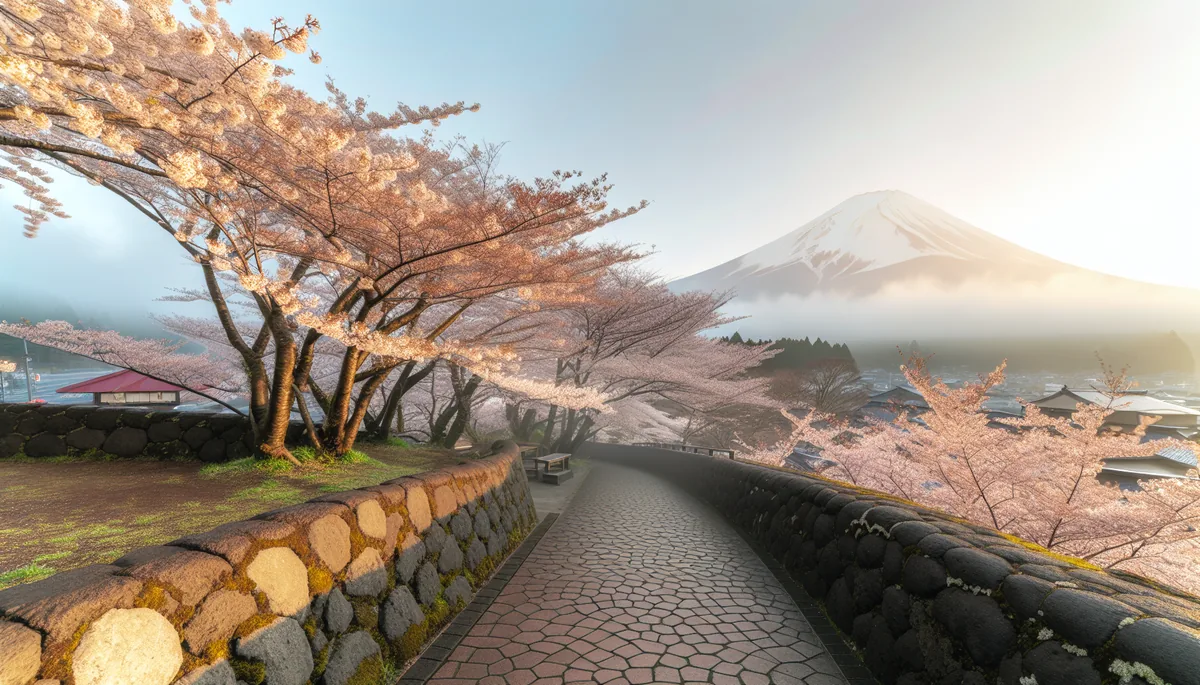
Why Internet Access Is Non-Negotiable During Cherry Blossom Season
Cherry blossom season is Japan's most visited time of year, and reliable internet access isn't a luxury — it's a survival tool. The Japan National Tourism Organization (JNTO) recorded over 3.68 million inbound visitors in March 2024 alone, the highest single-month figure in the country's history, and 2026 is forecast to surpass that. With crowds surging at Ueno Park, Maruyama Park, and Philosopher's Path, you'll need real-time maps, translation apps, and train navigation constantly.
The good news? Japan has world-class mobile infrastructure. According to the GSMA Intelligence database, Japan's 5G population coverage exceeded 97% by end-2025, making it one of the most connected nations on earth. The challenge isn't finding a signal — it's choosing the right connectivity option before you arrive.
This guide cuts through the noise and tells you exactly what works for tourists in spring 2026, from eSIMs and pocket Wi-Fi to free hotspots and airport SIM counters.
What Are Your Internet Options in Japan as a Tourist?
Tourists in Japan have four main connectivity options: travel eSIMs, physical tourist SIM cards, pocket Wi-Fi rentals, and free public Wi-Fi. Each has genuine trade-offs depending on your trip length, group size, and how much you rely on data. For most solo travelers and couples visiting during cherry blossom season, a travel eSIM is the fastest and most cost-effective choice.
Travel eSIM
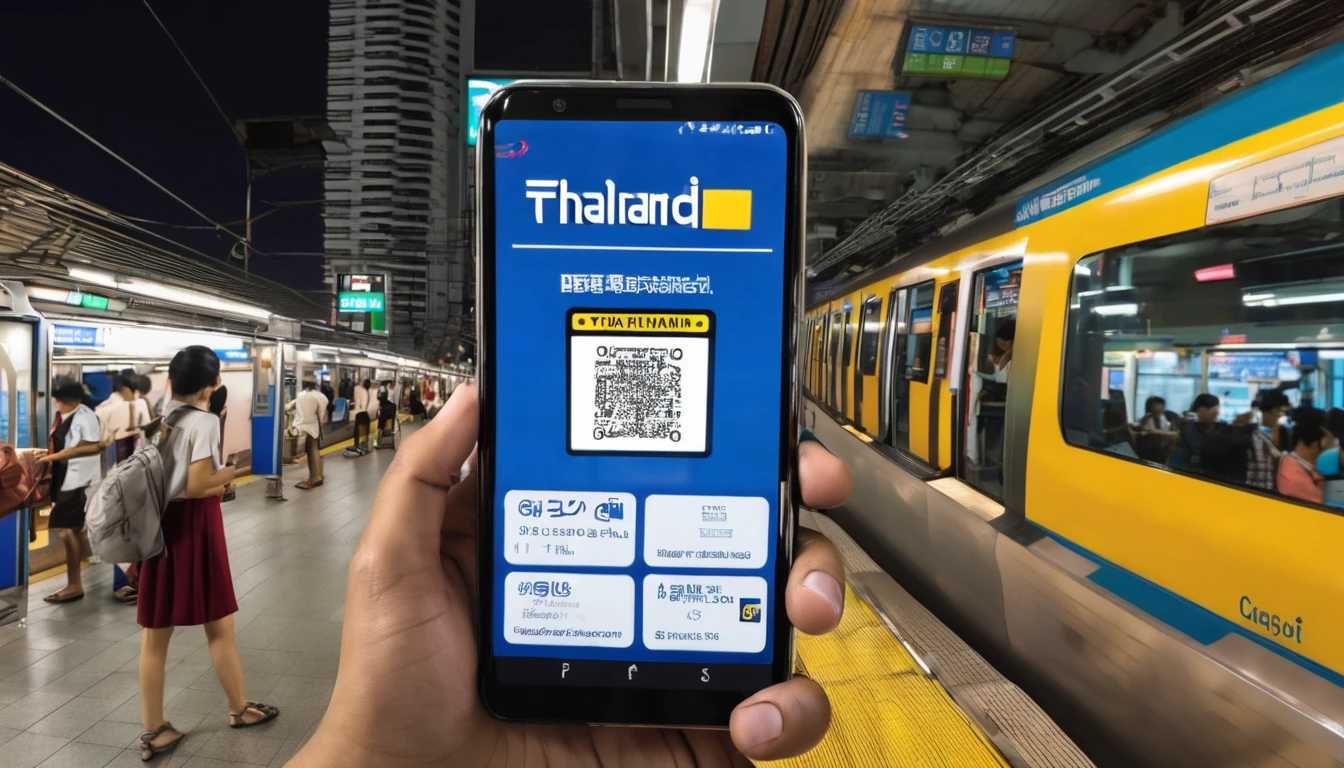
A travel eSIM is a digital SIM you install on your phone before departure. You scan a QR code, the profile downloads in minutes, and you activate it when you land. No queues, no physical card to lose, and your home number stays active on the same device.
For Japan cherry blossom trips, an eSIM from Simology gives you access to Japan's major local networks with plans starting from around $5 for 1 GB up to $20+ for unlimited-style plans over 30 days. Check out the full range of Japan eSIM options on Simology to compare plan sizes before you book flights.
Best for: Solo travelers, couples, anyone with an eSIM-compatible phone.
Physical Tourist SIM Card
Tourist SIMs are sold at major airports (Narita, Haneda, Kansai, Chubu) and electronics stores like Yodobashi Camera and BIC Camera. They're data-only in most cases — Japanese regulations historically required proof of address for voice SIMs, though data-only tourist SIMs are widely available without that restriction.
Best for: Travelers who want a physical backup or have older phones without eSIM support.
Pocket Wi-Fi Rental
A pocket Wi-Fi (portable hotspot) lets multiple devices share one connection. You collect the device at the airport, use it throughout your trip, and return it at departure. Rental costs typically run ¥500–¥900 (~$3.50–$6.50 USD) per day, plus a deposit. The downside: one more device to charge, and if it dies mid-day at a crowded blossom festival, you're offline.
Best for: Families or groups of 3+ sharing data costs.
Free Public Wi-Fi
Japan has expanded its free Wi-Fi coverage significantly since the 2020 Olympics. You'll find hotspots at major train stations, convenience stores (7-Eleven, FamilyMart, Lawson), and most tourist attractions. That said, speeds are inconsistent, connections drop frequently on crowded blossom-viewing days, and you can't rely on them for navigation while moving between parks.
Best for: Light users supplementing a primary data plan.
How Does Cherry Blossom Season Affect Network Performance?
During peak sakura season (late March through mid-April), mobile networks in Japan experience significantly higher congestion than usual — especially around the most popular viewing spots. Network congestion is a real concern when millions of people simultaneously try to upload photos to Instagram at Shinjuku Gyoen or stream video at Hirosaki Castle.
Japan's three major national mobile network operators have invested heavily in capacity ahead of 2026. The major local networks have deployed additional small cells and 5G mmWave equipment at high-footfall locations including Ueno Park, Maruyama Park in Kyoto, and the Meguro River in Tokyo. In practice, 5G-capable devices on a 5G-enabled eSIM plan will hold up better during peak hours than 4G-only connections.
What Speeds Can You Realistically Expect?
Under normal conditions in Tokyo and Kyoto, expect:
- 5G (sub-6GHz): 150–400 Mbps download
- 4G LTE: 30–80 Mbps download
- Congested peak hours at blossom spots: 5–20 Mbps (still sufficient for maps and messaging)
For reference, Google Maps navigation requires less than 1 Mbps, and WhatsApp voice calls need around 0.5 Mbps. Even on a congested network, you'll have enough for the essentials.
Is My Phone Compatible With a Japan eSIM?
Most smartphones released after 2019 support eSIM, but there are important Japan-specific compatibility notes. Generally, if your phone is an iPhone XS or later, a Samsung Galaxy S20 or later, or a Google Pixel 3a or later, you're compatible with a Japan travel eSIM. The full list of compatible devices is growing rapidly — the GSMA's eSIM device tracker lists over 400 eSIM-capable consumer devices as of 2026.
Japan-Specific eSIM Quirks
One important caveat: some iPhones sold in Japan (particularly older models purchased domestically) were sold with the physical SIM tray only, with eSIM disabled. If you bought your phone outside Japan, this almost certainly doesn't apply to you.
Additionally, some budget Android phones sold in North America are "SIM-locked" and may not accept a foreign eSIM profile. Always confirm your phone is unlocked before purchasing a travel eSIM. Most major carriers unlock phones after 60–90 days of active service, or upon request.
How to Check eSIM Compatibility
- iPhone: Go to Settings → General → About → scroll down to find "Available SIM" or "eSIM" section.
- Android: Go to Settings → Network & Internet → SIM cards (or Mobile Network) — look for an option to "Add SIM" or "Download SIM."
- Samsung: Settings → Connections → SIM card manager → Add mobile plan.
If you're unsure, our broader Japan eSIM for Tourists guide covers device compatibility in more detail, including eKYC requirements and app-based calling notes for 2026.
What's the Best Data Plan for a Cherry Blossom Trip to Japan?
The best data plan depends on how long you're staying and how data-hungry you are. For a typical 10–14 day cherry blossom trip, a 5–10 GB plan is sufficient for most travelers using maps, messaging, and light social media. Heavy social media users or anyone planning to upload 4K video daily should look at 15–20 GB or unlimited plans.
Recommended Plan Sizes by Traveler Type
| Traveler Type | Daily Data Use | 10-Day Trip | Recommended Plan |
|---|---|---|---|
| Light (maps + messaging) | ~200 MB | ~2 GB | 3 GB plan |
| Moderate (social media, browsing) | ~500 MB | ~5 GB | 5–7 GB plan |
| Heavy (streaming, video calls) | ~1.5 GB | ~15 GB | 15–20 GB plan |
| Remote worker / digital nomad | ~3+ GB | ~30 GB | Unlimited plan |
What About Unlimited Plans?
Many "unlimited" travel eSIM plans for Japan include a daily high-speed threshold (often 1–3 GB/day) after which speeds are throttled to around 1–3 Mbps. That's still enough for maps and messaging, but video streaming will stutter. Read the plan details carefully — the word "unlimited" in travel eSIMs usually means "unlimited throttled data after the daily cap."
For a deeper dive into how Japan's data plans compare with other popular Asian destinations, see our Asia Travel Data Plans 2026 comparison.
How Do You Set Up a Japan eSIM Before You Fly?
Setting up a Japan eSIM takes less than five minutes and can be done days before your trip. You don't need a Wi-Fi connection at the airport, you don't need to visit a store, and you don't lose your home number. Here's the step-by-step process.
Step-by-Step eSIM Setup
Step 1: Purchase your plan Buy your Japan eSIM plan from Simology before departure. You'll receive a QR code by email shortly after purchase.
Step 2: Scan the QR code
- iPhone: Settings → Cellular → Add eSIM → Use QR Code
- Android/Pixel: Settings → Network & Internet → SIM cards → Add SIM → Scan QR code
- Samsung: Settings → Connections → SIM card manager → Add mobile plan
Step 3: Label your eSIMs Give your new Japan eSIM a clear label (e.g., "Japan Data") so you don't accidentally use your home plan abroad.
Step 4: Set data routing Set your Japan eSIM as the default for mobile data. Keep your home SIM active for calls and SMS if you need to receive verification codes.
Step 5: Activate on arrival Most Japan travel eSIMs activate automatically when your phone detects the local network. Some require you to toggle the eSIM on in settings. Either way, you'll typically have a working connection within seconds of landing.
Pro tip: Download offline maps for Japan (Google Maps or Maps.me) before you fly. Even with a working eSIM, offline maps save data and work perfectly in tunnels and rural areas.
Where Are the Best Cherry Blossom Spots — and What's the Connectivity Like?
Cherry blossom season in Japan typically runs from late March in Tokyo and Kyoto to mid-April in Tohoku and Hokkaido, though the Japan Meteorological Corporation's sakura forecast (published annually in January) gives precise bloom dates by city. In 2026, the Tokyo full bloom is projected for around March 25–28, with Kyoto following a few days later.
Here's a connectivity snapshot for the major blossom destinations:
Tokyo
Coverage is excellent across all networks. 5G is available throughout central Tokyo, including Ueno Park, Shinjuku Gyoen, Chidorigafuchi, and the Meguro River. Expect congestion on weekend afternoons but solid speeds overall.
Kyoto
Maruyama Park, Philosopher's Path, and Arashiyama all have strong 4G LTE coverage. 5G is expanding but less ubiquitous than Tokyo. Connectivity is reliable for navigation and social media.
Osaka
Osaka Castle Park and the Mint Bureau (famous for its late-blooming cherry blossoms in April) have strong coverage. Osaka is a major urban center with dense network infrastructure.
Hiroshima & Miyajima
Coverage is solid in Hiroshima Peace Memorial Park. Miyajima Island (Itsukushima) has 4G coverage, though speeds can slow during peak tourist hours given the island's limited infrastructure.
Tohoku & Hokkaido (Late Season)
For late-season blossoms at Hirosaki Castle (Aomori) or Matsumae Park (Hokkaido), coverage is good in town centers but can thin out on rural roads. A plan with solid 4G coverage rather than 5G-only is more reliable here.
eSIM vs. Pocket Wi-Fi vs. Tourist SIM: Which Wins for Cherry Blossom Season?
For cherry blossom season specifically, the eSIM wins for most tourists — but the right answer depends on your situation. The key differentiators are setup convenience, per-device cost, and what happens when you're separated from your rental device in a crowded park.
| Feature | Travel eSIM | Tourist SIM (Physical) | Pocket Wi-Fi |
|---|---|---|---|
| Setup | Before departure, 5 min | Airport counter, 15–30 min | Airport counter, 15–30 min |
| Cost (10 days) | ~$10–$20 | ~$15–$30 | ~$35–$65 |
| Devices covered | 1 | 1 | Up to 10 |
| Keep home number | ✅ Yes (dual SIM) | ❌ No (data only) | ✅ Yes |
| Risk of loss/damage | None | Low | Medium (extra device) |
| Works in subway | ✅ Yes | ✅ Yes | ✅ Yes (if charged) |
| 5G support | ✅ Plan-dependent | ✅ Plan-dependent | ✅ Plan-dependent |
| Best for | Solo, couples | Older phones | Families, groups |
For families traveling together, pocket Wi-Fi can still make sense on a pure cost-per-device basis. But if you get separated at a crowded festival (it happens), everyone sharing one hotspot becomes a problem fast. Two eSIMs at $10–$15 each often costs less than one pocket Wi-Fi rental for 10 days once you factor in the deposit.
If you're also planning stops in South Korea or Southeast Asia after Japan, consider a regional Asia eSIM plan that covers multiple countries on a single profile — it's often cheaper than buying separate country plans.
What About Free Wi-Fi in Japan? Is It Reliable Enough?
Free Wi-Fi in Japan has improved dramatically, but it's not a standalone solution during cherry blossom season. Japan's Ministry of Internal Affairs and Communications has pushed aggressive Wi-Fi expansion since 2020, and you'll find free hotspots at Shinkansen stations, major airports, convenience stores, and many tourist attractions.
The practical reality: at Ueno Park on a sunny Saturday in late March, thousands of people are simultaneously connecting to the same free hotspot. Speeds drop to near-unusable levels. You also can't use free Wi-Fi while walking between locations — the moment you leave the hotspot range, you're offline.
Use free Wi-Fi for:
- Downloading maps and offline content at your hotel
- Video calls back home when you have a stable connection
- Supplementing your data plan to save on heavy downloads
Don't rely on free Wi-Fi for:
- Real-time navigation in unfamiliar areas
- Translation apps while exploring
- Emergency communication when you need it most
Do You Need to Register Your SIM or eSIM in Japan?
Japan introduced stricter telecom registration requirements in 2023, and these apply to tourist eSIMs and SIM cards as well. Under rules enforced by the Ministry of Internal Affairs and Communications (MIC), all SIM cards — including tourist and prepaid options — must be registered with a valid identity document.
For travel eSIMs purchased through international providers like Simology, the registration process is handled digitally at the time of purchase. You'll typically provide a scan or photo of your passport. This is standard practice and takes under two minutes.
For physical SIMs purchased at Japanese airport counters, staff will check your passport on the spot. There's no complicated process — it's similar to checking into a hotel.
Our detailed Japan eSIM & Mobile Internet Guide for 2026 covers the eKYC (electronic Know Your Customer) process in full, including what documents are accepted and how to complete verification on your phone.
What Are the Top Tips for Staying Connected During Cherry Blossom Season?
Staying connected during peak cherry blossom season requires a bit of preparation beyond just buying a data plan. These are the tips that experienced Japan travelers swear by.
Before You Leave Home
- Purchase and install your eSIM at least 24 hours before departure — this gives you time to troubleshoot any issues.
- Download offline maps for every city you're visiting (Google Maps, Apple Maps, or Maps.me all support offline downloads).
- Save key addresses in Japanese — many taxi drivers and locals use Japanese-script addresses. Google Maps lets you copy addresses in local script.
- Screenshot your hotel and attraction details — QR codes, confirmation numbers, and addresses in case you lose connectivity.
At the Airport
- Toggle your Japan eSIM on as soon as you clear customs. You should connect within seconds.
- If you're using a pocket Wi-Fi, charge it on the plane or at the airport before heading to the city.
- Narita and Haneda both have strong free Wi-Fi in the arrivals hall — use it to confirm your eSIM is working before you board the Narita Express.
During Your Trip
- Use convenience store Wi-Fi (7-Eleven, Lawson, FamilyMart) for heavy downloads — it's free and surprisingly fast when not crowded.
- Avoid 4K video uploads from popular blossom spots during peak hours (10 AM–4 PM on weekends). Schedule uploads for evenings.
- IC Card apps (Suica, PASMO) work offline once loaded — you don't need mobile data to pay for trains and convenience stores.
- Google Translate's camera mode works offline if you download the Japanese language pack in advance.
FAQ
When is cherry blossom season in Japan in 2026?
Cherry blossom season in Japan typically begins in late March in Tokyo and Kyoto, with full bloom expected around March 25–30 in Tokyo and March 28–April 3 in Kyoto for 2026 based on historical averages and current climate trend data. The season progresses northward, reaching Tohoku in mid-April and Hokkaido in late April to early May. Check the Japan Meteorological Corporation's annual sakura forecast (published in January) for precise city-by-city bloom dates closer to the season.
Can I use my eSIM on the Shinkansen (bullet train)?
Yes, your eSIM works on the Shinkansen. Japan's bullet train network passes through tunnels regularly, but the major local networks have installed in-tunnel repeaters on most Shinkansen lines, including the Tokaido Shinkansen between Tokyo and Osaka. You may experience brief signal drops in longer tunnels, but connectivity is generally reliable for messaging and browsing during the journey.
Does a Japan travel eSIM include phone calls?
Most travel eSIMs for Japan, including those from Simology, are data-only plans. You can make voice and video calls using internet-based apps like WhatsApp, FaceTime, Skype, or LINE — all of which work perfectly over a Japan data eSIM. If you need a traditional phone number that receives calls in Japan, you'd need a voice-capable tourist SIM from an airport counter.
How much data does Google Maps use in Japan?
Google Maps uses approximately 5–10 MB per hour of active navigation when streaming map tiles live. If you download offline maps for your destination cities before arriving, navigation uses virtually no mobile data. For a 10-day cherry blossom trip with moderate map use, budget around 1–2 GB just for maps and navigation if you're not using offline mode.
Is there free Wi-Fi at cherry blossom viewing spots in Japan?
Some major parks and tourist areas offer free Wi-Fi, but coverage and reliability vary significantly. Ueno Park and Shinjuku Gyoen have free Wi-Fi hotspots, but speeds drop sharply during peak weekend hours when thousands of visitors connect simultaneously. Convenience stores (7-Eleven, Lawson, FamilyMart) near popular spots offer more reliable free Wi-Fi for quick tasks. Don't rely on free Wi-Fi as your primary connectivity solution during peak season.
Will my eSIM work in rural Japan during late-season blossom trips?
Yes, but coverage quality depends on the area. Major rural blossom destinations like Hirosaki Castle in Aomori and Matsumae Park in Hokkaido have solid 4G LTE coverage in the town centers. Very remote mountain roads and hiking trails may have limited or no signal. Download offline maps for rural areas before leaving your hotel, and consider a plan that prioritizes 4G LTE coverage rather than 5G-only, since 5G infrastructure is still primarily urban in Japan.
Can I buy a Japan eSIM after I arrive at the airport?
Yes, you can purchase and install a travel eSIM after arriving at Narita, Haneda, or Kansai International Airport — as long as you have a Wi-Fi connection to complete the download. All major Japanese airports offer free Wi-Fi in the arrivals area. However, it's strongly recommended to set up your eSIM before departure so you have a working connection the moment you clear customs, without needing to find a Wi-Fi hotspot first.
How does a Japan travel eSIM compare to international roaming?
International roaming through your home carrier is almost always the most expensive option. U.S. carriers typically charge $10–$15 per day for international day passes, adding up to $100–$210 for a 10–14 day trip. A Japan travel eSIM for the same trip costs $10–$20 total. The savings are substantial, and eSIM data speeds are often faster than roaming speeds since you're connecting directly to local networks rather than through your home carrier's roaming agreements.
Getting Connected Before Your Sakura Adventure
Cherry blossom season in Japan is genuinely one of the world's great travel experiences — and the last thing you want is to be fumbling with a SIM card at the airport or staring at a "no connection" screen when you're trying to find the best viewing spot in Maruyama Park.
The practical takeaways:
- Buy a travel eSIM before you fly — it's faster, cheaper, and more convenient than any alternative for most tourists.
- 5 GB is the sweet spot for a 10-day moderate-use trip; go higher if you're a heavy social media user or remote worker.
- Download offline maps for every city you're visiting before you leave home.
- Free Wi-Fi exists but isn't reliable enough to be your primary connection during peak season.
- Your eSIM keeps your home number active — you won't miss calls or two-factor authentication codes while abroad.
Japan's mobile infrastructure is world-class. Once you have the right plan in place, connectivity will be the least of your worries — leaving you free to focus on finding the perfect spot under the sakura trees.
Ready to sort your Japan connectivity? Explore Japan eSIM plans on Simology and get set up in minutes.